AI Agents & Automation
How to Identify Business Processes to Automate With AI
The best AI automation opportunities are rarely the most impressive demos. They are recurring workflows with clear inputs, predictable decisions, and measurable friction.
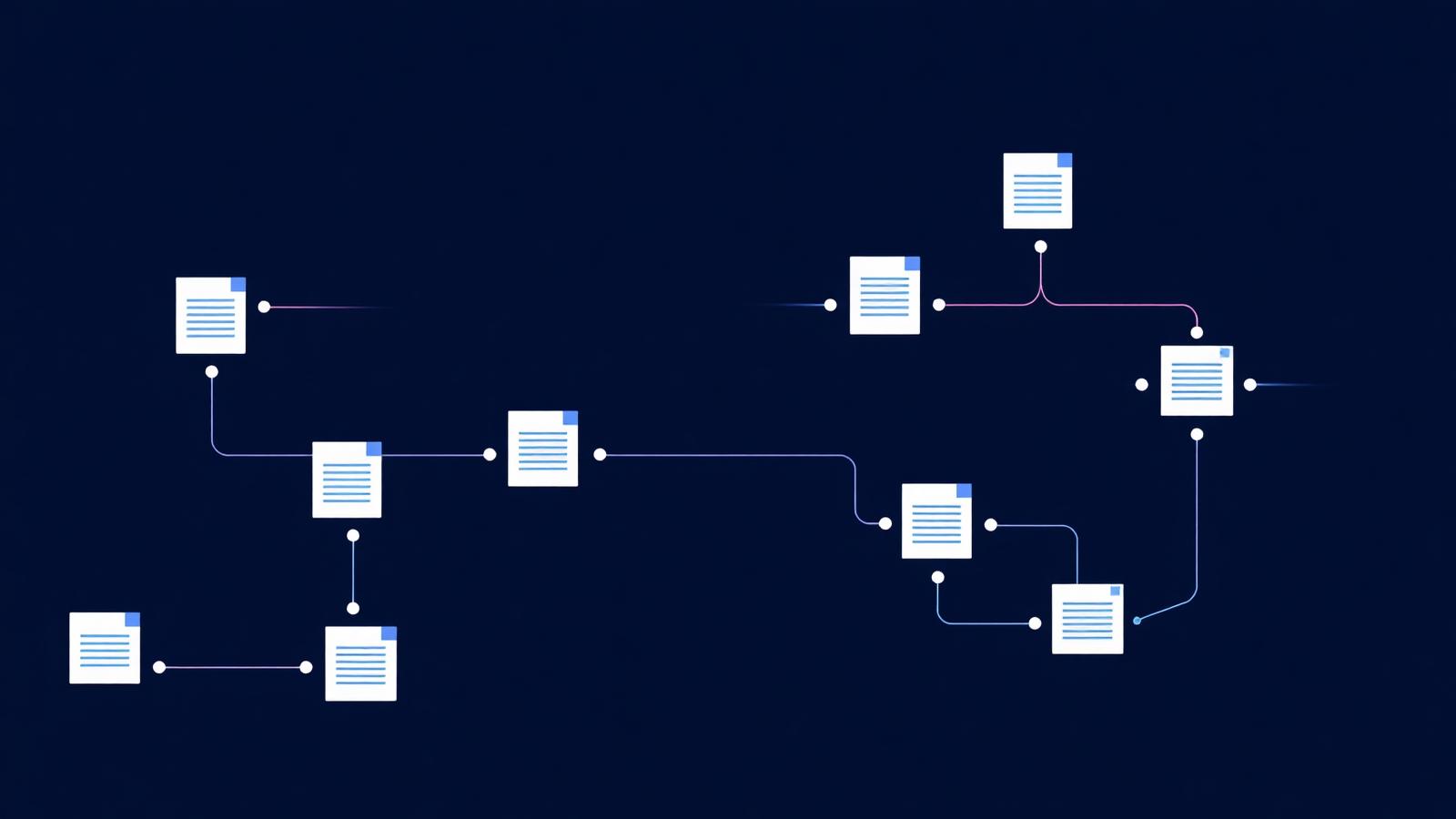
AI automation should begin with a workflow, not a tool. The useful question is not "Where can we add AI?" It is "Which recurring process contains enough friction, repetition, and structured judgment that AI assistance or automation could improve it without creating unacceptable risk?"
That distinction keeps teams from automating a bad process, selecting a flashy demo, or mistaking a chatbot for a business outcome.
Start With Work, Not Technology
Create an inventory of recurring workflows across the organization. Look for work that consumes meaningful time, creates queues, repeats the same transformations, or depends on people searching across several systems.
Good starting sources include service tickets, operations reviews, finance close activities, sales handoffs, onboarding, compliance checks, document intake, reporting cycles, and internal requests. Ask the people doing the work where they copy information, wait for approvals, re-enter data, reconcile mismatched records, or answer the same question repeatedly.
Do not rely only on leadership interviews. Leaders see outcomes; frontline teams see the steps that create them.
Map the Current Workflow
Document the process as it actually happens, not as the procedure says it happens. A useful map captures:
- Trigger and expected outcome
- Inputs, formats, and source systems
- Each step and the person or system responsible
- Decisions, exceptions, and approval points
- Handoffs, waiting time, and rework
- Data sensitivity and access requirements
- Quality checks and failure consequences
A workflow with ten documented steps may have twenty informal decisions hidden inside it. Those decisions are often where the opportunity — and the risk — lives.
Classify Each Step
Every step should be assigned one of four roles:
| Classification | Meaning | Typical treatment |
|---|---|---|
| Eliminate | The step exists only because of an outdated handoff | Remove it |
| Automate | Rules are stable and the output is predictable | Software automation |
| AI-assist | Language, judgment, or variation makes full automation unsuitable | Human-in-the-loop AI |
| Keep human | Consequence or ambiguity requires accountable judgment | Improve surrounding context |
This prevents the common mistake of treating an entire process as automatable when only two or three steps are suitable.
Score Opportunities by More Than Time Saved
Time matters, but it is not enough. Score each candidate across five dimensions:
Volume. How often does the workflow run, and how many cases pass through it?
Friction. How much waiting, duplication, searching, and rework does it create?
Input and output clarity. Are the boundaries of the task understandable? Clear boundaries make pilots safer.
Decision stability. Do experienced people apply reasonably consistent criteria, or is the task highly contextual?
Consequence of error. What happens if the system is wrong? Customer, financial, legal, safety, and people decisions need a much higher bar.
A high-volume, repetitive, low-consequence workflow with clear inputs is usually a better first pilot than a dramatic but ambiguous strategic process.
Decide Between Automation, Assistance, and a New Application
There are three different technology outcomes, and choosing correctly matters.
Automation is appropriate when a system can follow a reliable sequence: receive a form, validate fields, update a record, notify a team, and log the result. AI may improve one step, but the surrounding workflow is deterministic.
AI assistance is appropriate when a person benefits from synthesis, drafting, classification, retrieval, or recommendations but remains accountable for the decision. Customer response drafting and document summarization often fit here.
A purpose-built application is appropriate when the workflow crosses systems, needs a new user experience, requires persistent organizational knowledge, or has enough strategic value that a shared tool is better than individual prompts.
These can coexist. An assistant may sit inside an automated workflow, and both may become part of an internal application.
Design the Human Checkpoints
A pilot is safe only when the human role is explicit. Define what the AI can do, what it must show, where a person reviews it, and what evidence the reviewer needs.
Useful controls include source links for generated claims, confidence or uncertainty flags, editable drafts rather than silent actions, approval gates before external release, audit logs, permissions that match the underlying systems, and an easy way to report an incorrect result.
The right question is not whether a person remains somewhere in the process. It is whether that person has enough context, authority, and time to catch the errors that matter.
Choose a Narrow Pilot
Choose one workflow with a named owner, a small set of representative cases, and a baseline. Document current cycle time, rework, volume, quality checks, and user frustration before changing it.
A pilot should answer:
- Does the new workflow reduce friction?
- Is output quality at least as good under the defined review standard?
- Can the team operate it without exceptional support?
- Are data handling and audit requirements satisfied?
- Is the improvement repeatable beyond the pilot group?
Do not call a pilot successful because people enjoyed the demonstration. Call it successful when the work changed safely and the owner wants to keep the new process.
Build the Adoption Path Around the Workflow
Training should be attached to the changed work. Employees need to know what the system does, what it does not do, how to review output, how to handle an exception, and who owns the process.
This is where organizational adoption and software development meet. A technically sound automation that does not fit the team's day-to-day work becomes another queue. A workflow the team understands and helped design has a chance to become normal practice.
What to Avoid
Avoid automating a process nobody owns, a process whose inputs are inconsistent and undocumented, a workflow with unexamined policy problems, or a decision that the organization has not agreed should be delegated. Avoid replacing a visible bottleneck with an invisible one. Avoid measuring activity when the objective is a better outcome.
The best candidate is rarely "the whole department." It is a bounded workflow where the organization can explain the before state, the proposed change, the safeguards, and the evidence of improvement.
Once that discipline is in place, AI automation becomes less about chasing capabilities and more about improving the work people already understand.